User. Edit Metadata
10. Edit Metadata
ARCS is grounded on user-generated projects. As a researcher on ARCS you have the ability to edit the metadata of resources you come across. While viewing a resource, you may find missing or incorrect metadata you can suggest an edit.
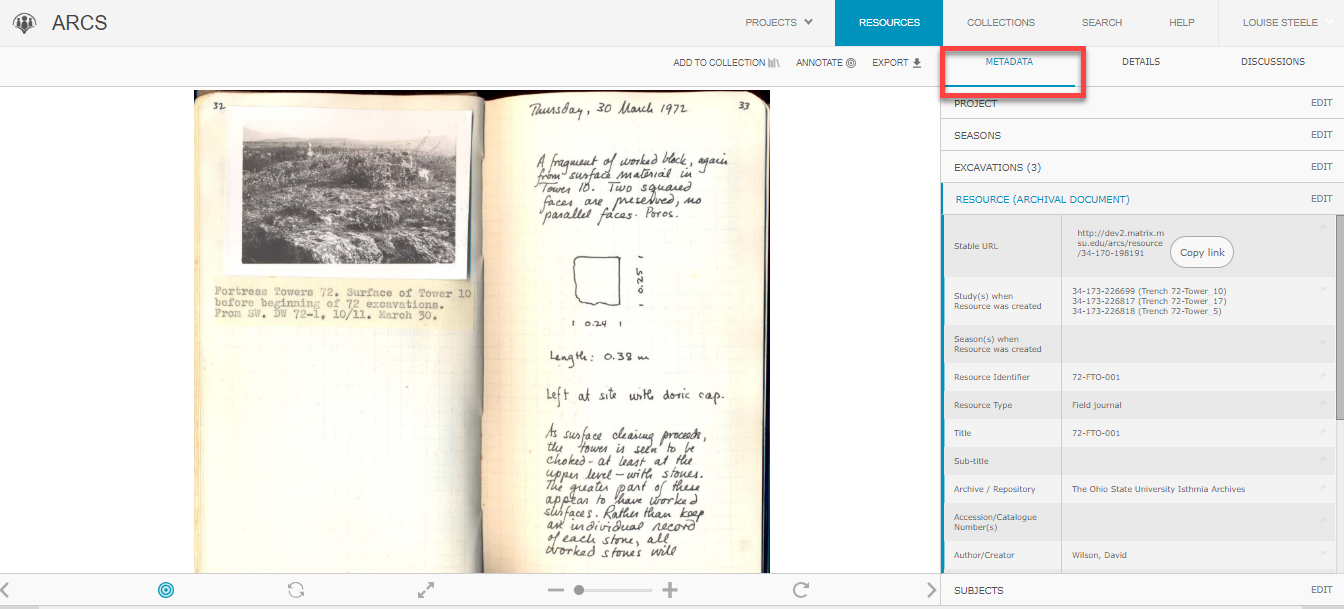
- Navigate to the Metadata tab.
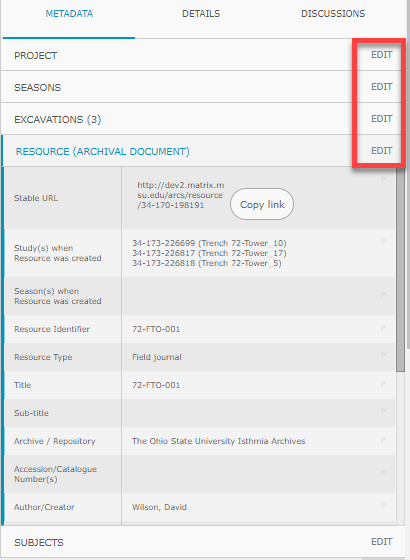
- Select Edit for the larger grouping of metadata that you will be editing within.
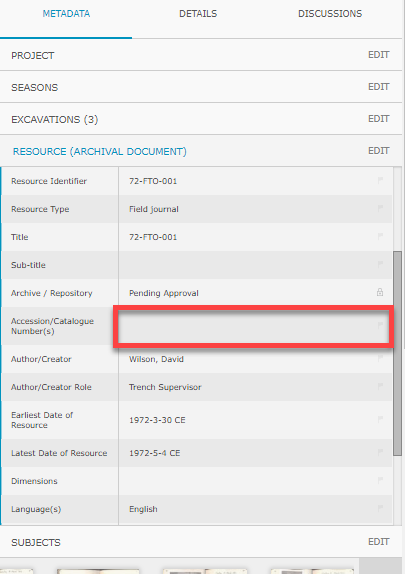
- Click the box directly next to the metadata type you are editing to open a text box.
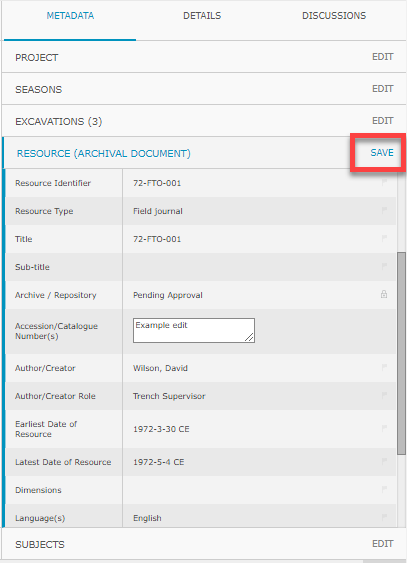
- Enter your metadata edit into the text box.
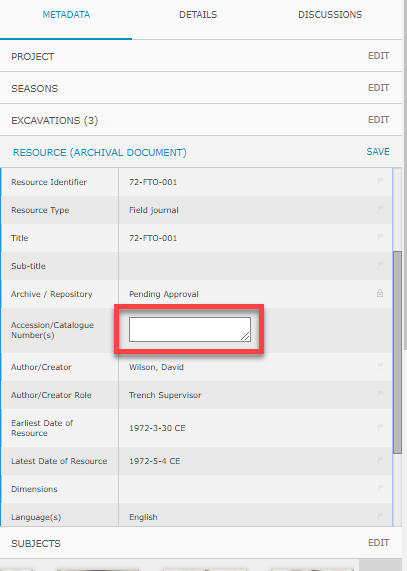
- Hit Save in the same location where you hit Edit.