
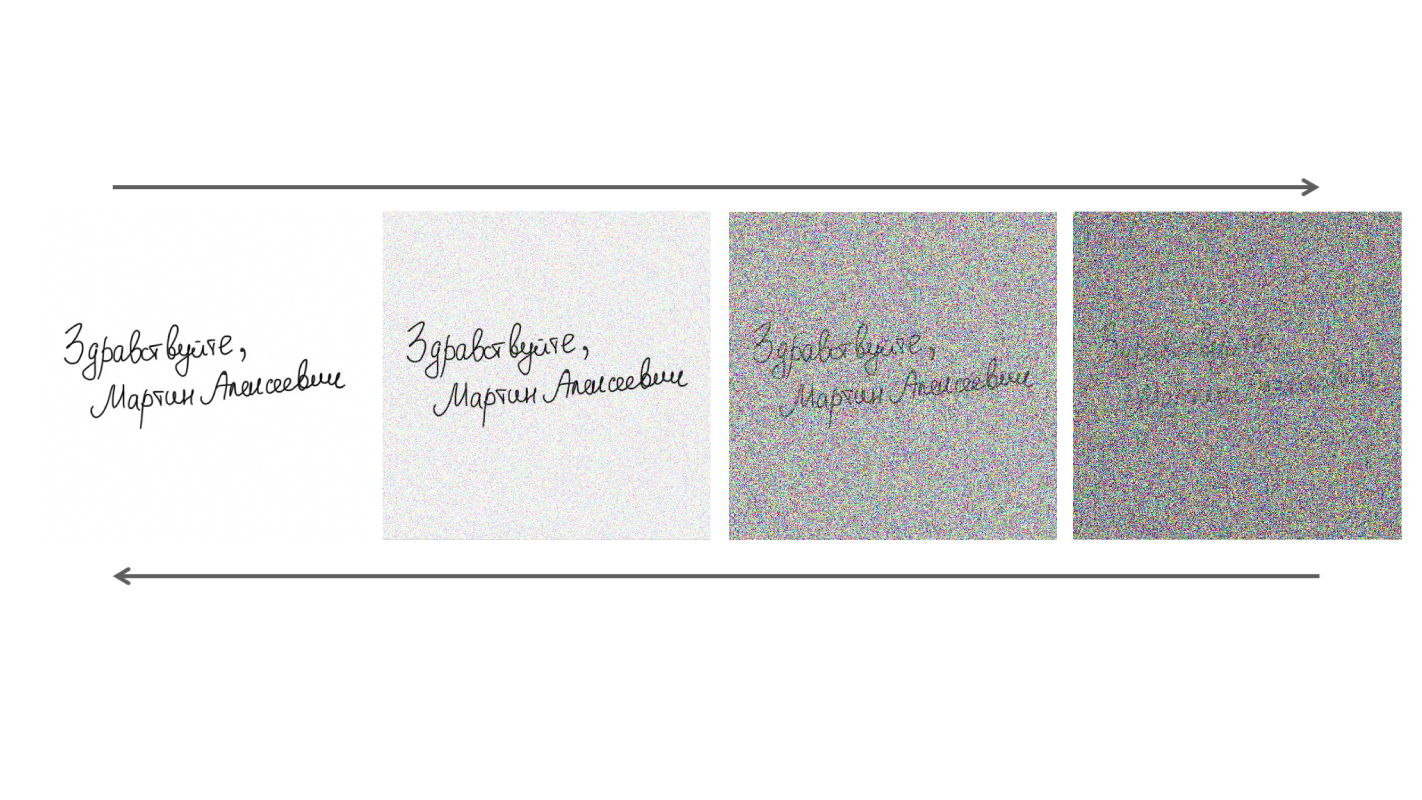
Diffusion Model for Handwriting Generation
This project trains on the IAM Online Handwriting Database (i.e. pen trajectory / stroke data, not only offline images).
You need to download the following files from IAM Handwriting Database (registration required):
- ascii-all (e.g.
ascii-all.tar/ascii-all.tgz) - Per-form transcription files (the dataset code reads.../ascii/<id[:3]>/<id[:7]>/<id>.txt) - lineImages-all - Line images (TIFF/PNG depending on the archive you download)
- lineStrokes-all - Individual XML files with stroke data for each line (contains
<StrokeSet>with<Point ...>).⚠️ Make sure you download line-level strokes, not form-level metadata.
Extract the downloaded archives to the data/ directory with the following structure:
data/
├── ascii/
│   └── a01/a01-000/
│       ├── a01-000u.txt
│       ├── a01-000x.txt
│       └── ...
├── lineImages/
│   └── a01/a01-000/
│       ├── a01-000u-01.tif
│       ├── a01-000u-02.tif
│       └── ...
└── lineStrokes/
    └── a01/a01-000/
        ├── a01-000u-01.xml  (with StrokeSet data)
        ├── a01-000u-02.xml
        └── ...
Important: lineStrokes/ must contain individual XML files for each line (e.g., a01-000u-00.xml) with <StrokeSet> elements containing stroke points, NOT form-level metadata XML files.
This project uses uv for dependency management.
# Install uv if you haven't already
curl -LsSf https://astral.sh/uv/install.sh | sh

# Install dependencies
make installFirst, configure your training in configs/<cfg>.yml:
experiment:
  name: <exp_name>
  work_dir: <work_dir>
  data_dir: <data_dir>
Then, run:
make train CONFIG=<cfg>.ymlTo generate handwriting from text using a trained model:
make infer TEXT="Follow the White Rabbit" \
           EXP="./data/best_exp" \
           OUTPUT="prediction"
This will look for the configuration and weights in the specified experiment directory.
We provide a pretrained model that achieves good results. The artifacts are located in data/best_exp/:
config.yml: Best training configurationmodel_final.pth: Trained model weightsrun.log: Training logreport.json: Final metrics
Example Output:
Prompt: "Follow the White Rabbit"

| Papers |
|---|
| [1] Luhman, Troy, and Eric Luhman. "Diffusion models for handwriting generation." arXiv preprint arXiv:2011.06704 (2020). |