
Go to the forked version attached to your Github and clone to desktop. You'll know you're on the right page if it says "forked from" in the upper left corner under your name. MAKE SURE YOU ARE WORKING ON YOUR OWN FORK BEFORE ANYTHING
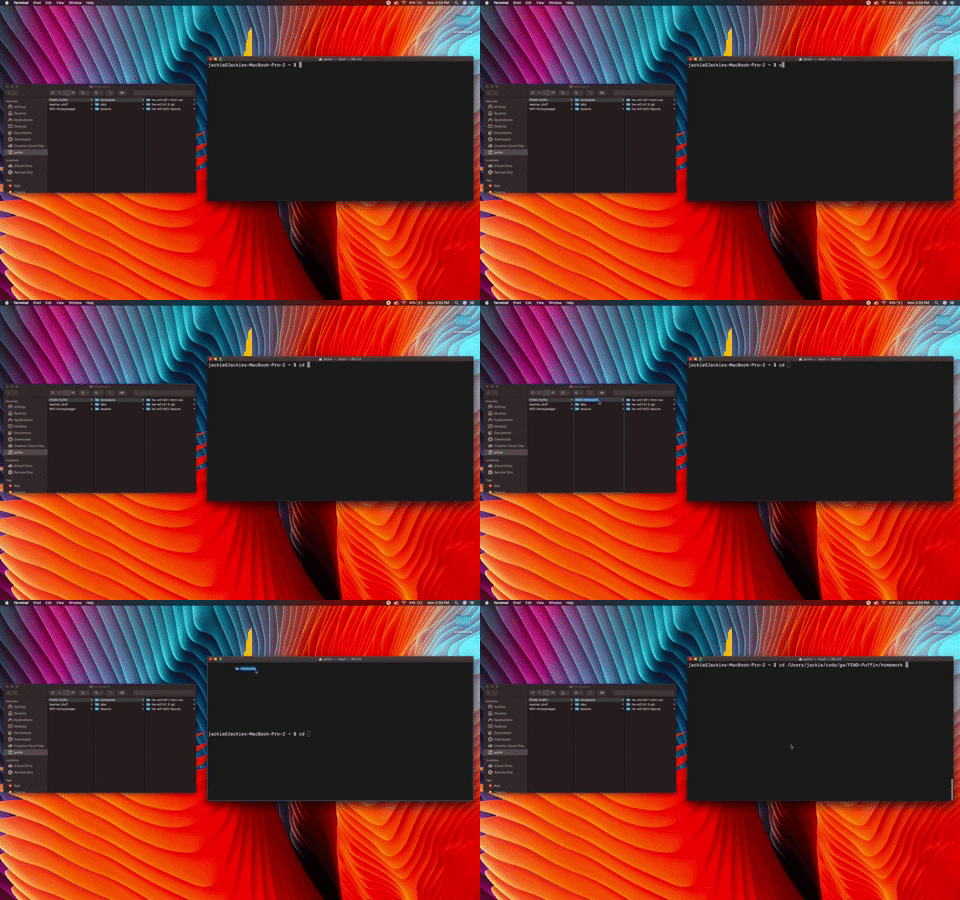
First open your terminal and navigate to your homework directory using cd. If you have the same file structure as we made in class you should be able to open it directly by writing:
cd ~/code/fewd/homework
You can also open the folder in finder then drag the file path to your terminal by dragging the folder.
Copy the link from github.

In terminal, type git clone then paste the link from github. (and press enter)
Drag the folder you just cloned to VS Code.
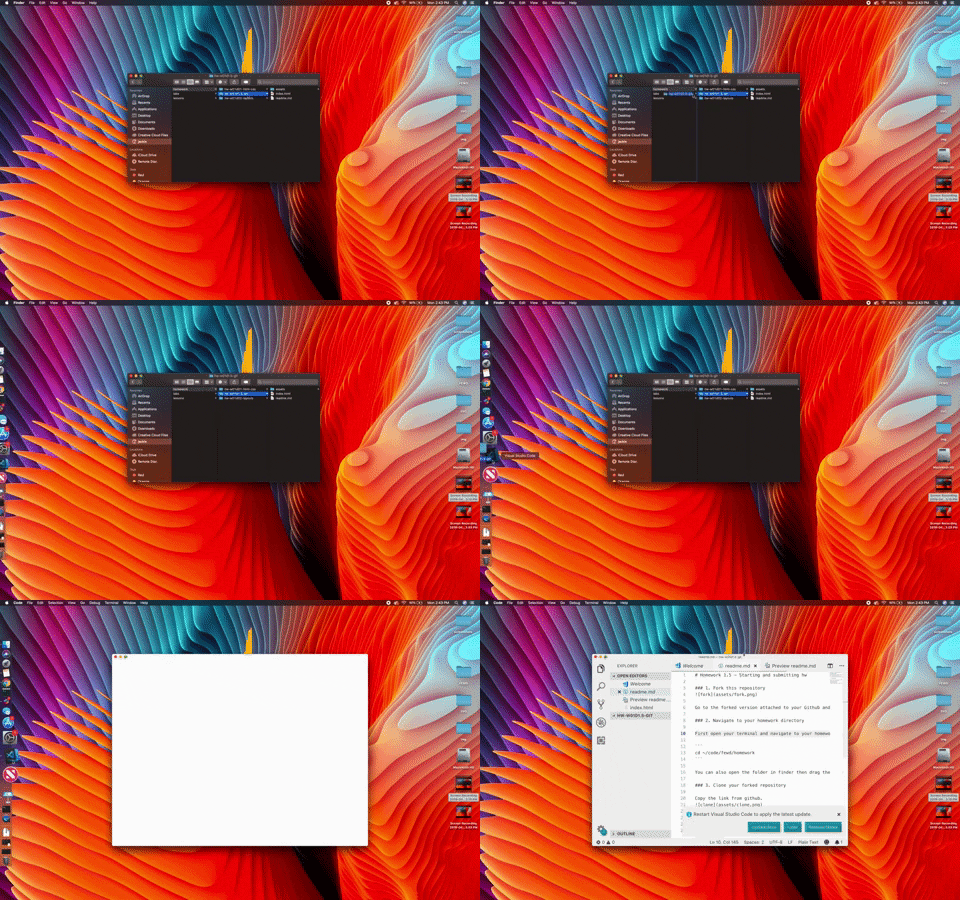
In this case, change the <h1> content in index.html to be your name. Remember to save!
In terminal cd into the directory you cloned earlier.
In terminal type git add . and press enter.
In terminal type git commit -m "your message here"
Remember to change the message to describe what you are doing. For instance: git commit -m "homework submission"
In terminal type git push origin master
In your browser, go to your repo for the homework. You should now see all of your completed homework there. Once you confirmed you're homework is online, you can start a pull request. Click here:

Then here:

When submitting, include the following:
- on a scale from 1 to 5, how complete is this homework?
- on a scale from 1 to 5, how comfortable were you with this assignment?
- what was a win you had with this assignment?
- what was a challenge you had with this assignment?
- other stuff on your mind? work with anyone? tell us about it!
