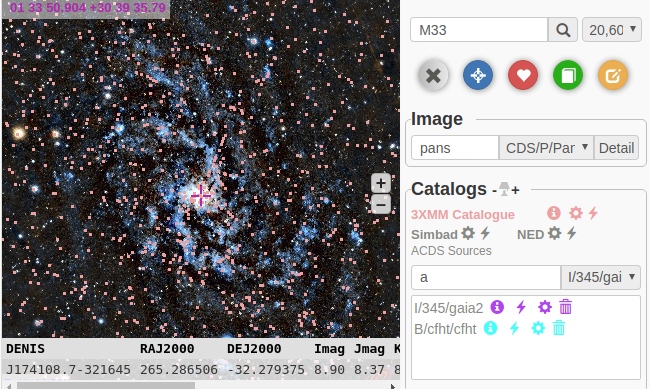
functionalities
-
Default Position: The default center position and fov of aladin view is located as configured in the field of defaultView.
-
Search Position: By the way, we can also search whatever position by name or coordinates(ra dec) that will be recorded in the list and can be returned in case of need.
-
List of selection: Users can enter their request, meanwhile survey search will provide a selection of HiPS resources correspondent with the query that keeps being updated .
-
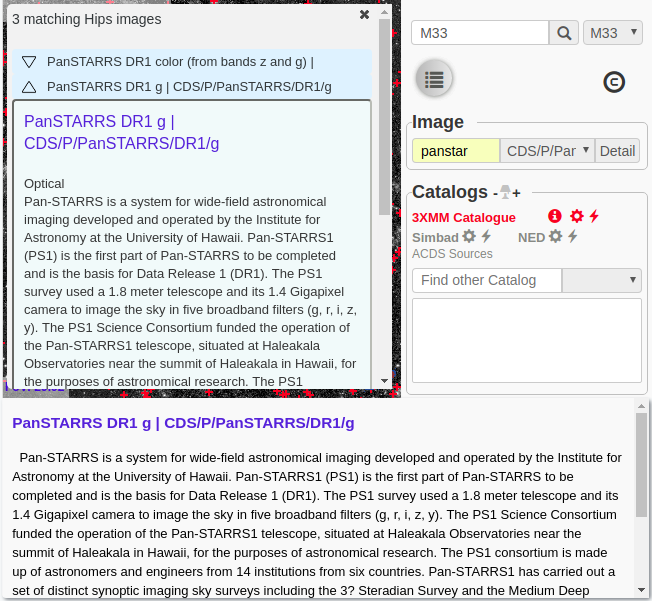
Abstract: Besides,the abstract of each HiPS resource can be consulted on clicking the list item.
-
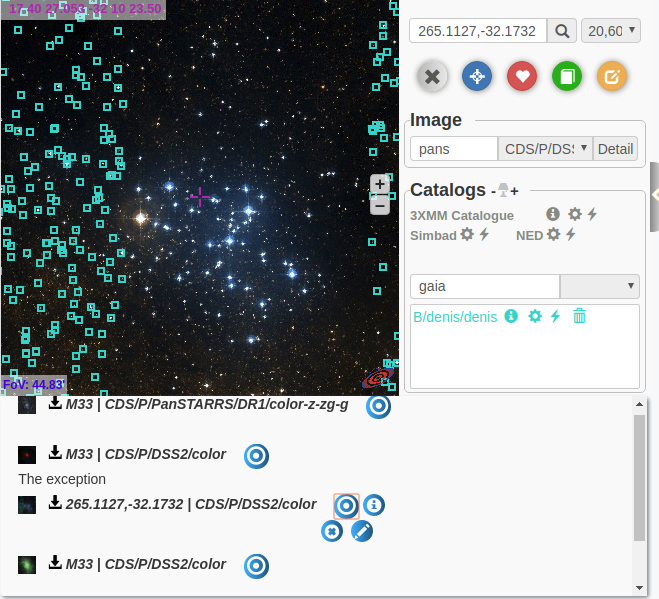
Display: we can click the name to display the corresponding survey,which will also be recorded in the list and can be rechosen in case of need without searching again.
-
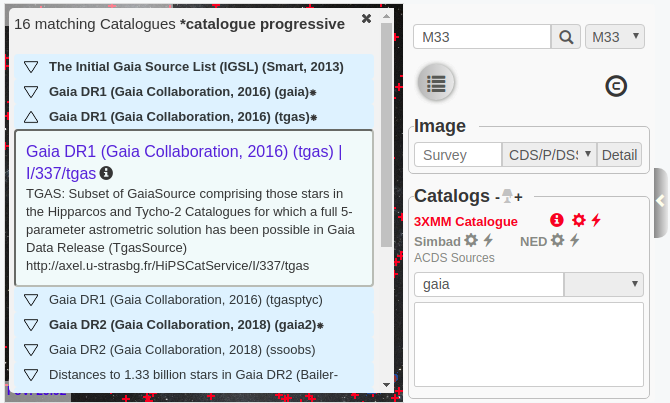
List of selection: Similar function with the survey search .The selection of corresponding catalogs is proposed by the MOC server in a short response delay when we enter the name request. Then choose the catalog you want to display.
-
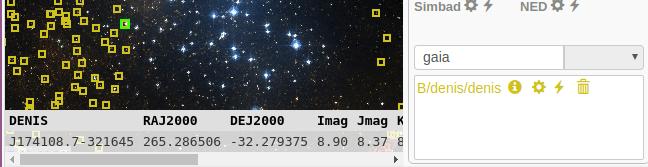
Detail table: There is a detail table with plenty of data for every source selected.
- Go back to the default center position at one click when you explore the space too far away.
-
Storage the info: Once the bookmark is clicked, all the information of the current view will be all storaged locally,as well as a snapshot of the view which can be downloaded at any time.
-
Annotation and description: For each bookmark, a text annotation can be added as a tag or explanation of this view. Besides,there's a description of the view such as position, fov, catalogs displayed can be checked in the history.
-
Redisplay the view: It's allowed to redisplay the view storaged whenever we want on clicking the snapshot in the list. If the catalogs of a bookmark are not deleted in the vizieR list right above, the configuration of the catalogs will be kept regardless of whether we change the current view.
-
Saved locally: The record of bookmarks can be always consulted no matter how many times the page refreshes, unless it's deleted manually in the history.Nevertheless,there'll be an alert when there's no more local memory for a new bookmark.
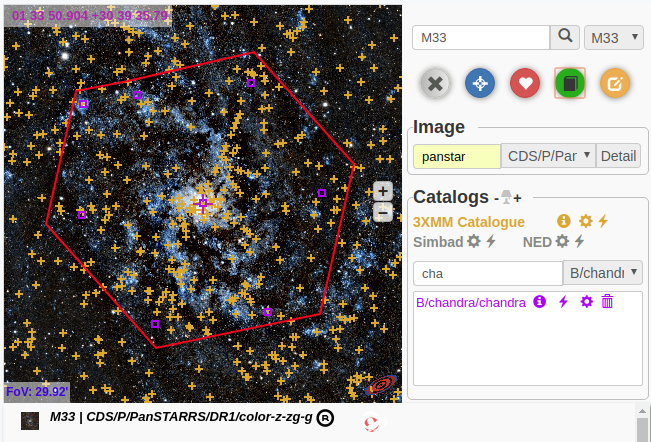
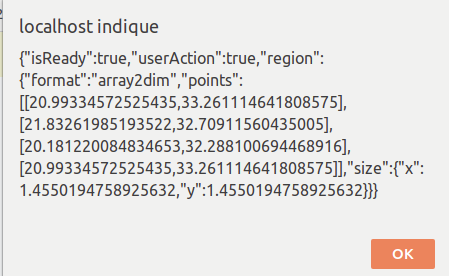
Polygonal regions can be plotted over the view. A user handler can be called when the polygon is closed. This feature can be set up searches by regions or cutout services. In addition, a footprint can be drawn by an API callback. This might be used to visualize cutout limits.
-
Custom the catalog figure
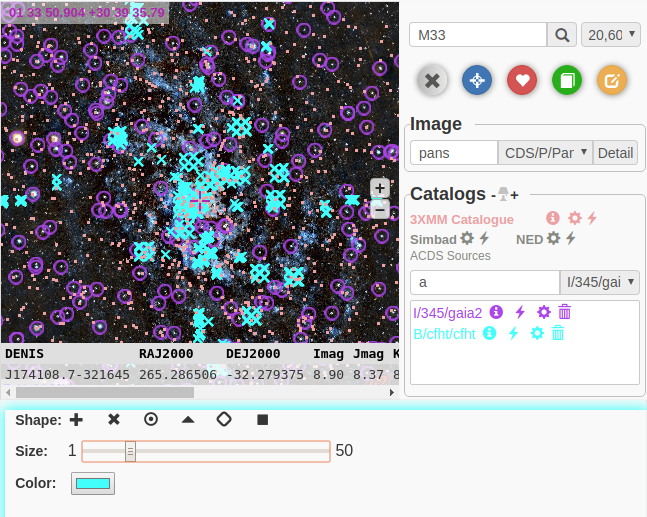
Modify the shape , color, size of the catalogs freely to have a better view of catalogs that overlay with each other.
-
Show or hide the catalogs
Click the name in the vizieR list to show or hide each catalog in current view without losing its configuration.