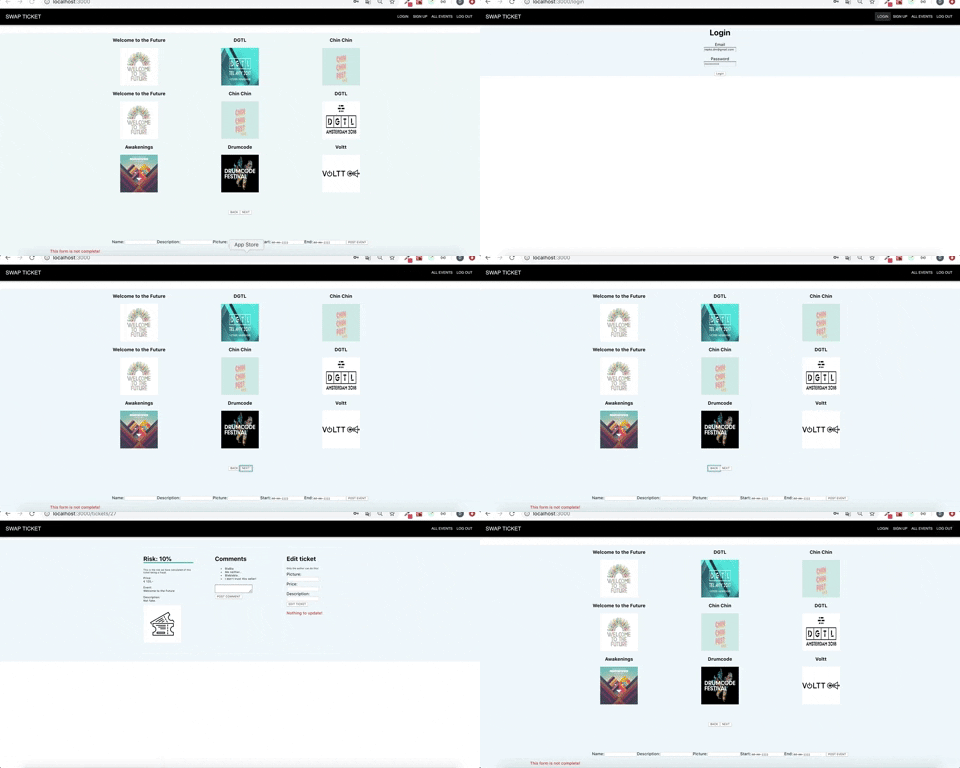
This app is the result of the final assignment for the Codaisseur Academy. A description of this assignment can be found below.
You're going to build a full stack web-application where users can buy and sell tickets for all kinds of events. Yes, just like ticketswap.
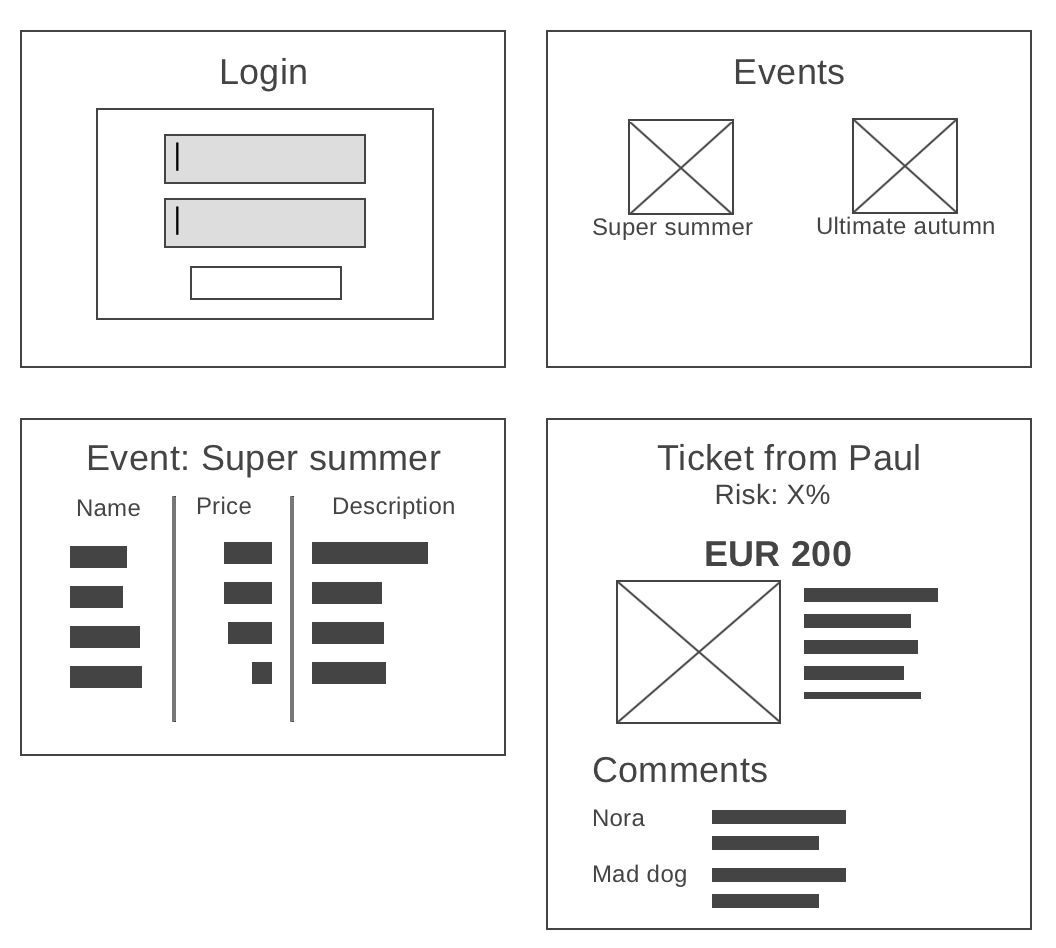
The app should have a login and signup page for customers. You need to login to create events, tickets and posting comments.
Events have:
- a name
- a description
- a picture or logo
- a start and end date (could be the same)
After you click on an event, you see a list of tickets that are offered for this event.
A ticket is made for a specific event and has an author (the user that created the ticket). Apart from that, it has:
- a picture of the ticket (optional field)
- a price
- a description
When you click on a ticket, you see the details of that ticket (description/price) and which event it's for. On this page you can add comments as a customer, and everybody can see all the comments.
A comment has a text and is connected to a specific ticket. It also has an author.
Anybody can view events and tickets, but you have to login to add a new ticket or comment.
This is an important part of the assignment. If you only finish one thing, it should be this thing!
Tickets can be fraudulent, and as a customer I don't want to buy a fake ticket! So, we want to show customers the risk that they are taking when buying the ticket.
On the ticket page for a specific ticket, we want to show a text like:
"We calculated that the risk of this ticket being a fraud is XX%"
The percentage should be calculated using the following algorithm:
- if the ticket is the only ticket of the author, add 10%
- if the ticket price is lower than the average ticket price for that event, that's a risk
- if a ticket is X% cheaper than the average price, add X% to the risk
- if a ticket is X% more expensive than the average price, deduct X% from the risk, with a maximum of 10% deduction
- if the ticket was added during business hours (9-17), deduct 10% from the risk, if not, add 10% to the risk
- if there are >3 comments on the ticket, add 5% to the risk
The minimal risk is 5% (there's no such thing as no risk) and the maximum risk is 95%.
The calculated risk of a ticket depends on many factors. Make sure that the risk value is always "live" (i.e. up to date).
- As a customer I want to see max. 9 events on a page and be able to click 'next' to see more pages of events if there are more
- As a customer I only want to see events that are not finished yet
- As a customer I want to view a list of tickets when I click on an event
- As a customer I want to view ticket details when I click on a ticket in the ticket list
- As a customer I want to see what the fraud-risk is for a specific ticket
- As a customer I want to be able to login, or sign up if I don't have an account yet
- As a logged in customer I want to add a ticket (for a specific event) that shows up on the event page with a title, picture, price and description
- As an author of the ticket I want to be able to edit a ticket's description, price and picture (other logged in customers cannot do this! only authors and admins)
- As a logged in customer I want to be able to create events with a name, picture (logo), date and description
- As a customer I can see some color (red/yellow/green) indicating the fraud risk of a ticket for all tickets in the all tickets list
We recommend to use starter kits that we provided during the program to start this app.
In terms of backend (server) technology, you can work with any NodeJS backend: JavaScript or Typescript, Express, or routing-controllers. It's up to you. The API should follow the better part of the REST principles.
For the frontend, we expect you to properly use React and Redux. Make sure you use the Redux store to your advantage! Use either create-react-app or one of the starter kits that you've used before.
Feel free to add any packages that you like. E.g. MaterialUI can be used to set up a nice layout (maybe even responsive!) but there are perfect alternatives as well.