


If you want to know what time was spent for projects.
- Auto activate (no needed hotkey)
- Spent time is write into csak-timelog.json file (under vscode folder)
- Show current spent time on statusbar
- Timer is paused automatic after 10min inactivity
- Save every 60sec or when saved a document
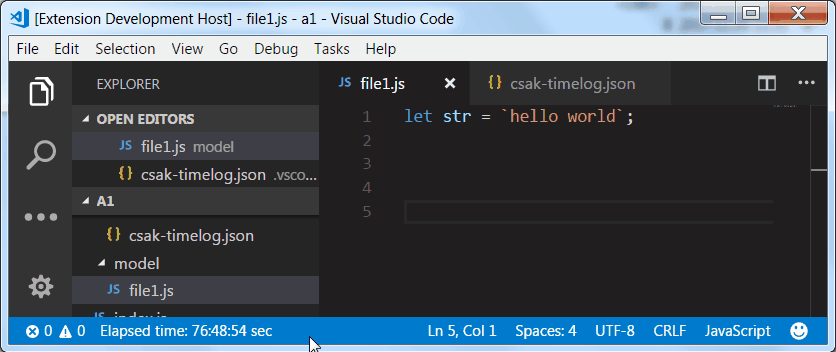
The default "workhours per day" value is 0. In this case show only time is displayed (hour,minute,second)
If you want to see workdays then you can set "workhours per day" value for display. Press F1, type "csak-ext-timer config" then select saveConfig menu and type the new value between 1-24. New value will be saved.
