A Greasy Fork user script for exhentai
- Firefox > GreaseMonkey | Tampermonkey
- Chrome > Tampermonkey | Violentmonkey
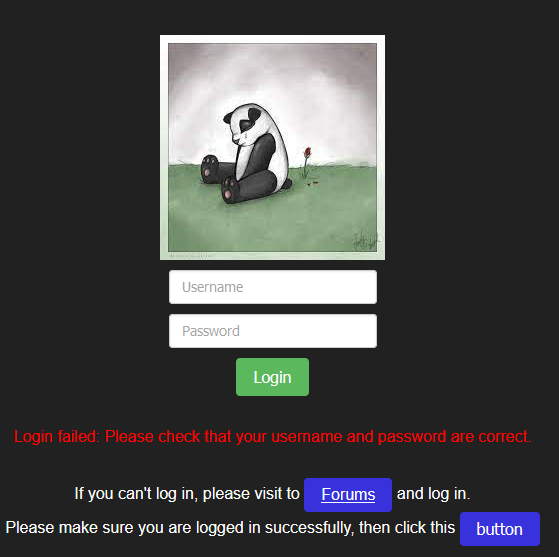
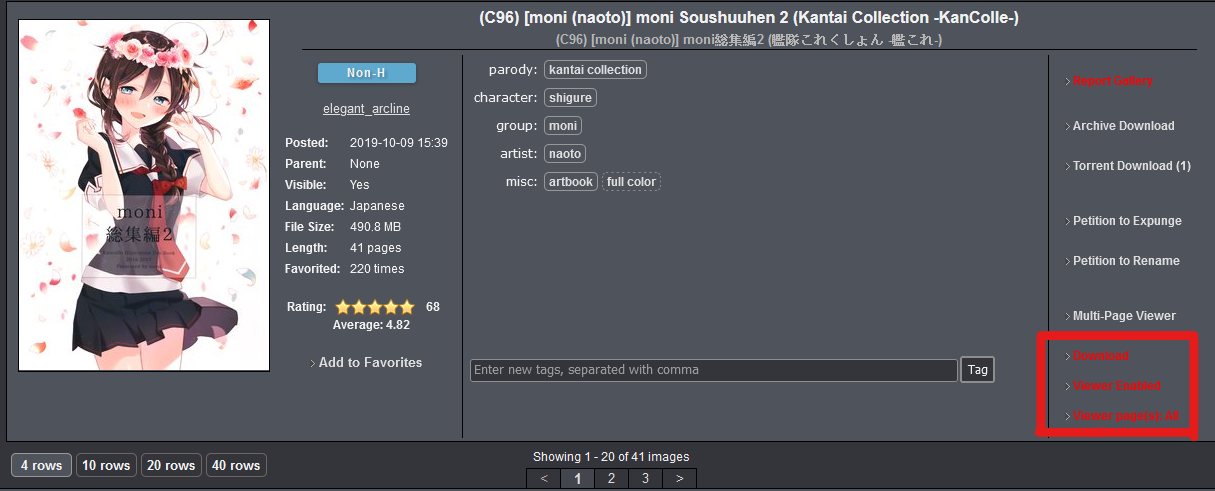
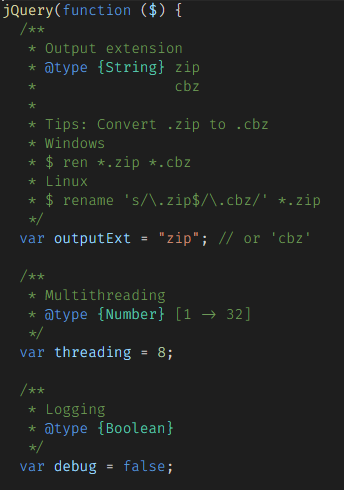
- Input your exhentai account and password.
- If you cannot log in, please follow the instructions.
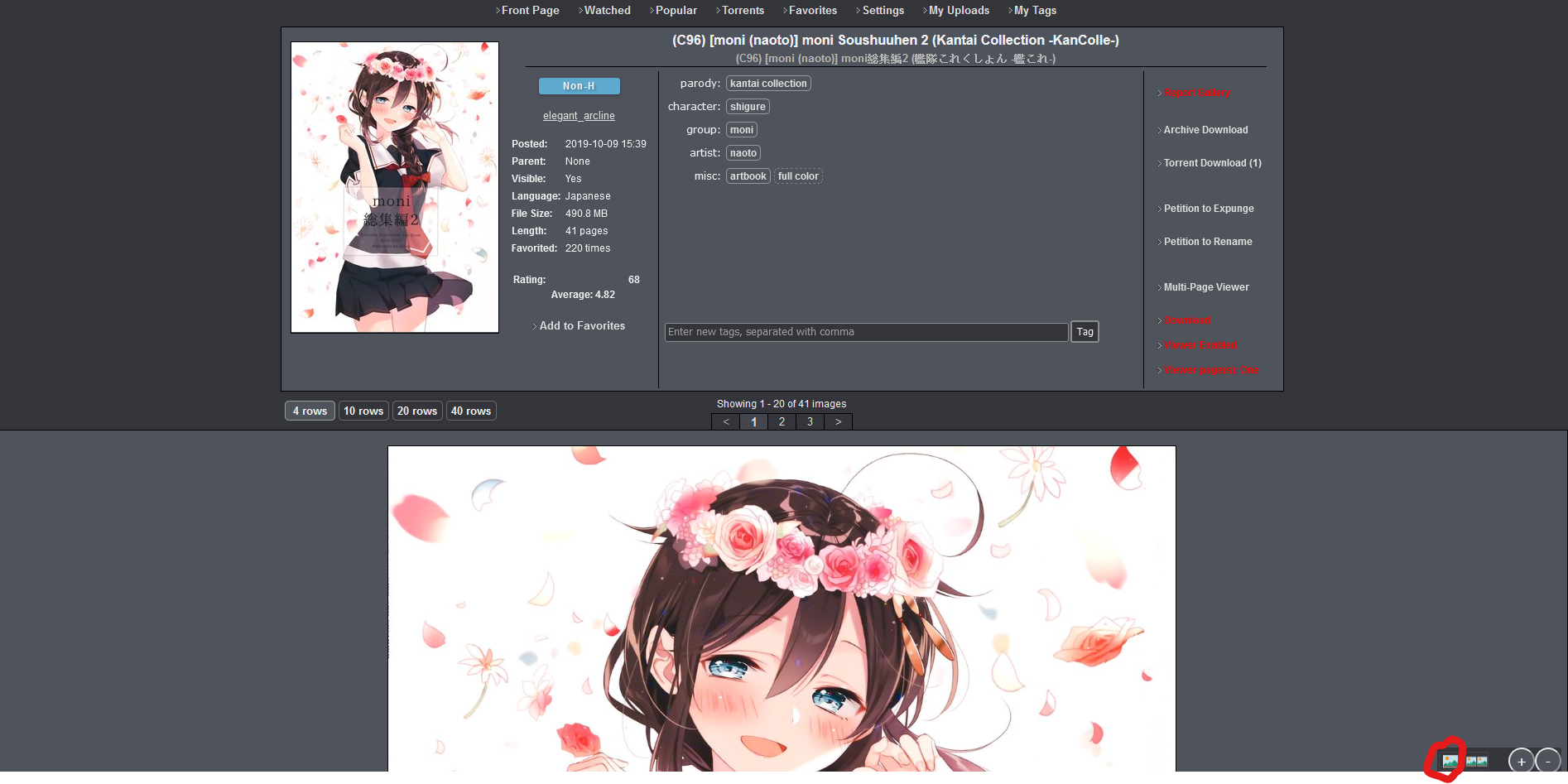
- Just click "Download" text

- First enable Viewer
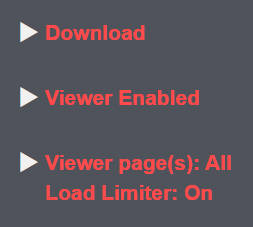
Viewer page(s): All- Load images for all pages
- e.g. Showing 1 - 20 of 41 images it will load 1 - 41 images in current page
- If Load Limiter is enabled, the system will automatically switch to
Onemode whenever the number of images in the gallery exceeds 320.
Viewer page(s): One- Load images for current page
- e.g. Showing 1 - 20 of 41 images it will load 1 - 20 images in current page
- Viewer mode
- Single mode
- Double mode
- When you are in double mode, click the double mode button once more and it will reverse image like this.
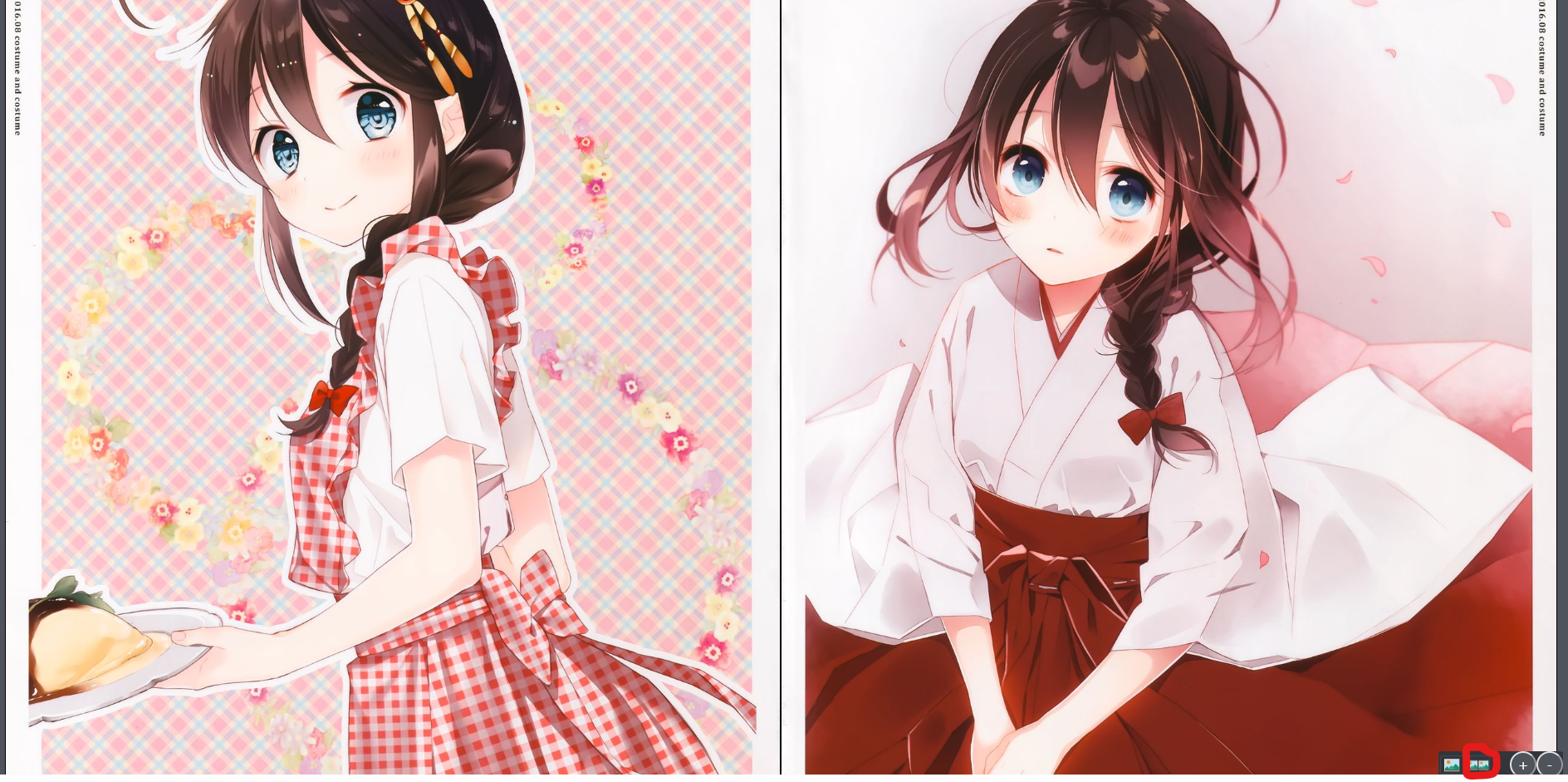

- You can use the
Up (↑)andDown (↓)arrow keys or theW,SandSpacekeys to switch images. - In
Viewer page(s): Onemode, you can use theLeft (←)andRight (→)arrow keys or theAandDkeys to turn pages.