
The official landing page and documentation site for LogicStamp


Website • Documentation • MCP Integration • GitHub • Contributing
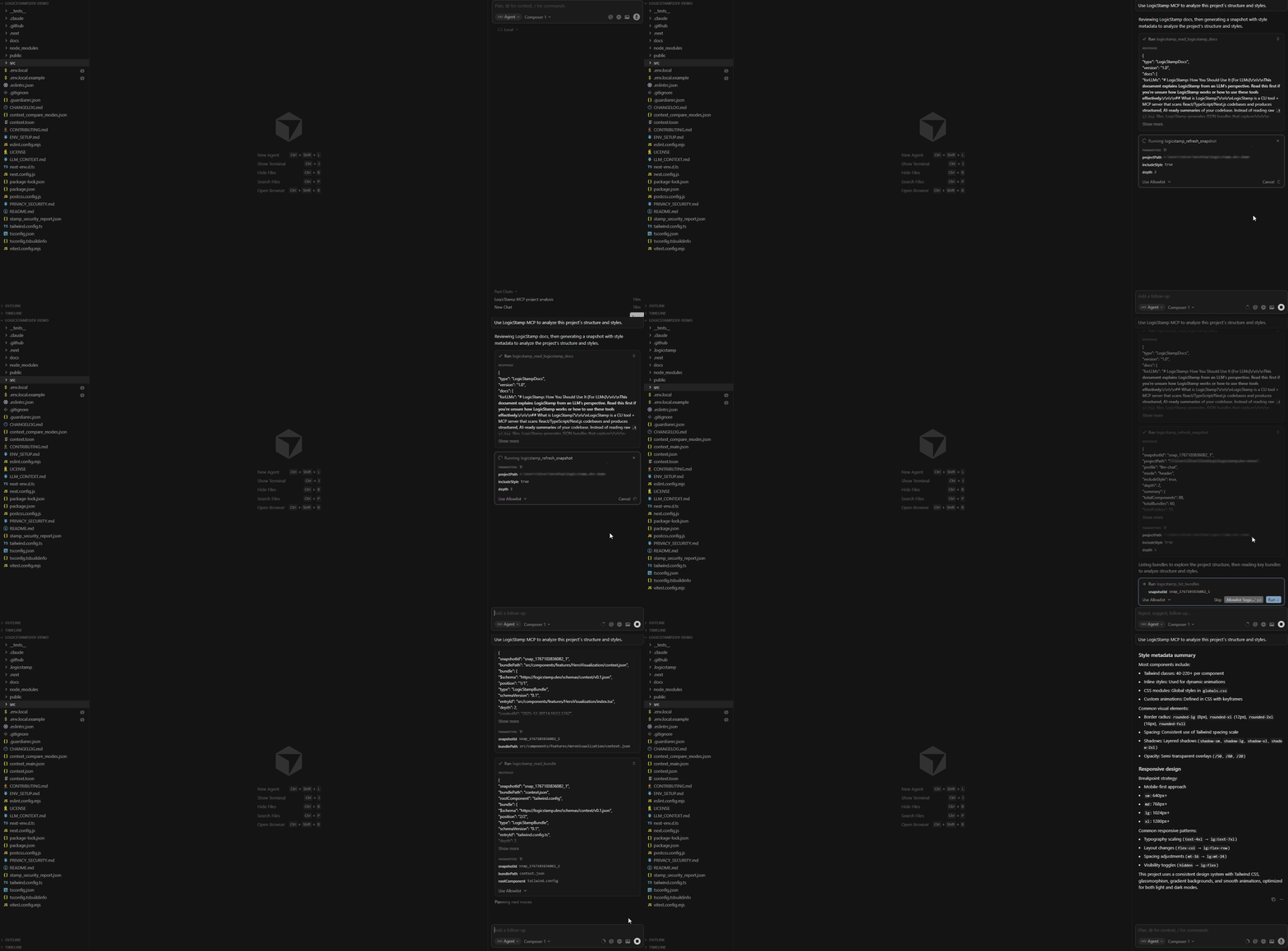
LogicStamp MCP building a structured, Tailwind-aware view of a real React codebase.
This is the official landing page and documentation website for LogicStamp, a powerful tool for generating structured context bundles for LLMs. LogicStamp helps developers create efficient, maintainable architectural context files that improve AI-assisted development workflows.
LogicStamp MCP enables AI assistants (Claude, Cursor, etc.) to analyze TypeScript codebases through the Model Context Protocol, providing structured component contracts, dependency graphs, and style metadata.
The site is built with Next.js 14, TypeScript, and Tailwind CSS, featuring a modern, responsive design with dark mode support.
- Next.js 14 with App Router for optimal performance
- TypeScript for type-safe development
- Tailwind CSS for modern, responsive styling
- Dark Mode support with smooth theme transitions
- Fully Responsive design for all devices
- Fast Performance with optimized builds
- Comprehensive Testing with Vitest and React Testing Library
- Documentation integrated directly into the site
- SEO Optimized for better discoverability
- Node.js >= 18.18.0
- npm, yarn, or pnpm package manager
- Clone the repository:
git clone https://github.com/LogicStamp/logicstamp.dev.git
cd logicstamp.dev- Install dependencies:
npm install
# or
yarn install
# or
pnpm install- Set up environment variables (if needed):
Create a .env.local file in the root directory:
NEXT_PUBLIC_SITE_URL=http://localhost:3000Generate context bundles for your project:
# Generate context bundles
stamp context

# Generate with style metadata
stamp context style
Common commands:
stamp context- Generate context bundlesstamp context style- Generate with style metadata (Tailwind, SCSS, etc.)
For more information, see the LogicStamp CLI documentation.
LogicStamp MCP enables AI assistants to analyze your codebase through the Model Context Protocol:
- Claude Desktop - Integrate LogicStamp with Claude Desktop
- Cursor IDE - Use LogicStamp directly in Cursor
- Claude CLI - Command-line integration for Claude Code
The MCP server provides structured context bundles optimized for AI consumption, including component contracts, dependency graphs, and optional style metadata.
Quick Start:
- See the MCP Quick Start Guide
- Check MCP Integration Guides for platform-specific setup
- Read LogicStamp for LLMs for AI-focused documentation
Start the development server:
npm run dev
# or
yarn dev
# or
pnpm dev
Open http://localhost:3000 in your browser to see the result.
The page auto-updates as you edit files. The src/app directory is where most of your edits happen.
Build the application for production:
npm run buildThis creates an optimized production build in the .next folder.
Start the production server:
npm startRun the test suite:
# Run tests in watch mode
npm test

# Run tests with UI
npm run test:ui

# Run tests once
npm run test:run

# Run tests with coverage
npm run test:coverageVerify TypeScript types:
npm run type-checkCheck code quality:
npm run lintlogicstamp.dev/
├── src/
│ ├── app/ # Next.js App Router pages and routes
│ │ ├── api/ # API routes
│ │ ├── demo/ # Demo page
│ │ ├── docs/ # Documentation pages
│ │ │ ├── getting-started/
│ │ │ ├── guides/
│ │ │ ├── logicstamp-context/
│ │ │ └── ...
│ │ ├── layout.tsx # Root layout
│ │ └── page.tsx # Home page
│ ├── components/ # React components
│ │ ├── sections/ # Page sections (Hero, Features, FAQ, etc.)
│ │ ├── ui/ # Reusable UI components
│ │ └── ...
│ ├── contexts/ # React contexts (Theme, etc.)
│ ├── hooks/ # Custom React hooks
│ └── styles/ # Global styles and themes
├── __tests__/ # Test files
├── docs/ # Documentation source files
├── public/ # Static assets
├── next.config.js # Next.js configuration
├── tailwind.config.ts # Tailwind CSS configuration
├── tsconfig.json # TypeScript configuration
├── vitest.config.mjs # Vitest test configuration
└── package.json # Dependencies and scripts
Comprehensive documentation is available both on the site and in the repository:
- Getting Started Guide - Quick start with LogicStamp CLI
- MCP Integration - Model Context Protocol integration guides
- CLI Commands - Complete command reference
- Schema Documentation - Context file schema
- Best Practices - Development best practices
Visit the documentation section on the site for the full documentation experience.
- Framework: Next.js 14 with App Router
- Language: TypeScript
- Styling: Tailwind CSS
- Icons: Lucide React
- Testing: Vitest + React Testing Library
- Font: Geist
We welcome contributions! Please see our Contributing Guide for details on:
- Code of conduct
- Development workflow
- Branching strategy
- Pull request process
- Code style guidelines
Before contributing, please read:
- CONTRIBUTING.md - Contribution guidelines
- ENV_SETUP.md - Environment setup
- logicstamp-context - The LogicStamp CLI tool
- logicstamp-mcp - The MCP Server
- LogicStamp - GitHub Org
For security concerns, please review our Privacy & Security documentation.
This project is licensed under the MIT License - see the LICENSE file for details.
The LogicStamp Fox mascot and related brand assets are © 2025 Amit Levi.
These assets may not be used for third-party branding, logos, or commercial identity without permission. They are included in this repository for documentation and non-commercial use within the LogicStamp ecosystem only.
This project follows a Code of Conduct. By participating, you agree to uphold it.
