- Please go to the Apple store and download TestFlight by Apple.
Link to apple store : https://apps.apple.com/us/app/testflight/id899247664
- Once TestFlight has been downloaded please click this link to download our application.
Link to application : https://testflight.apple.com/join/QozbzZUE
- Once you tap the link above it will launch the TestFlight app and prompt you to accept the invitation.
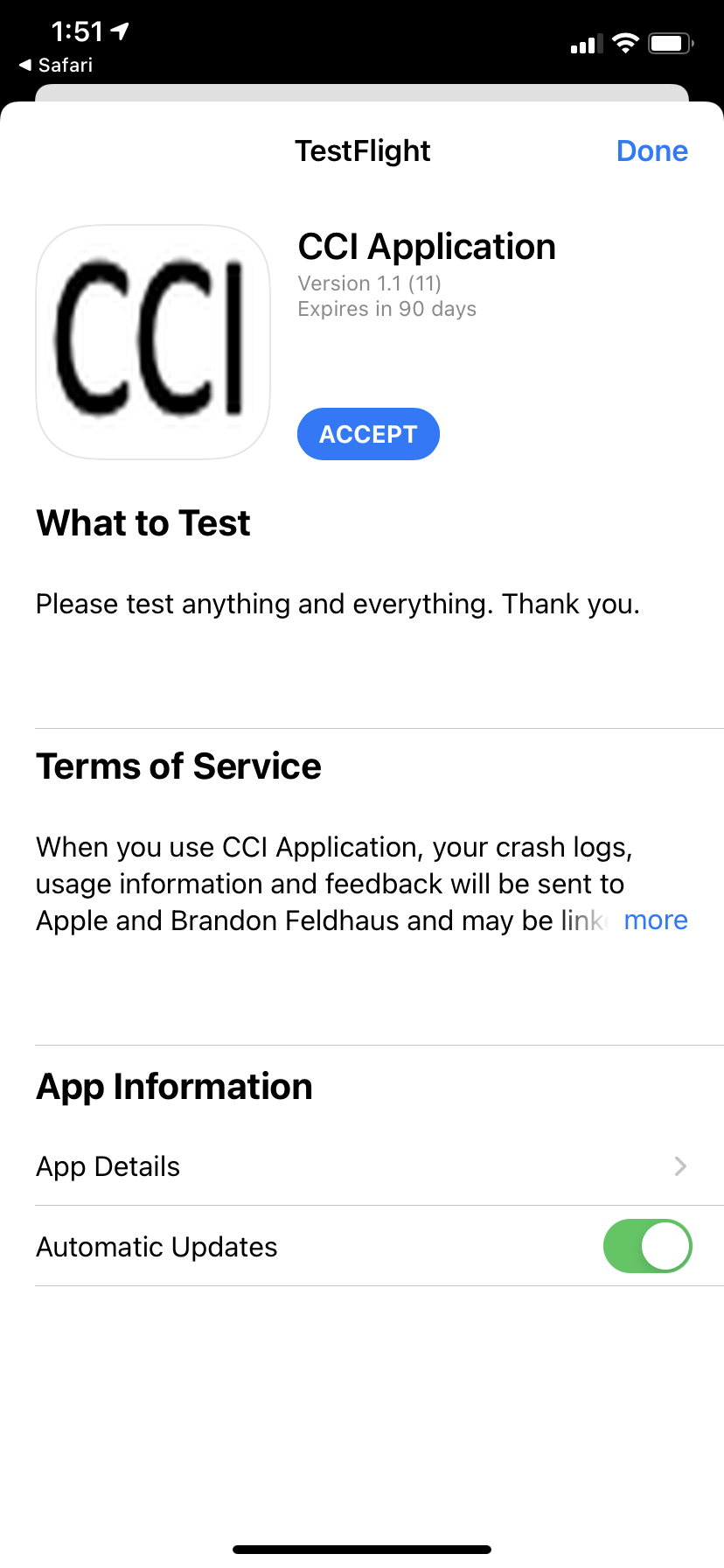
- After tapping accept you will be prompted to install our application.
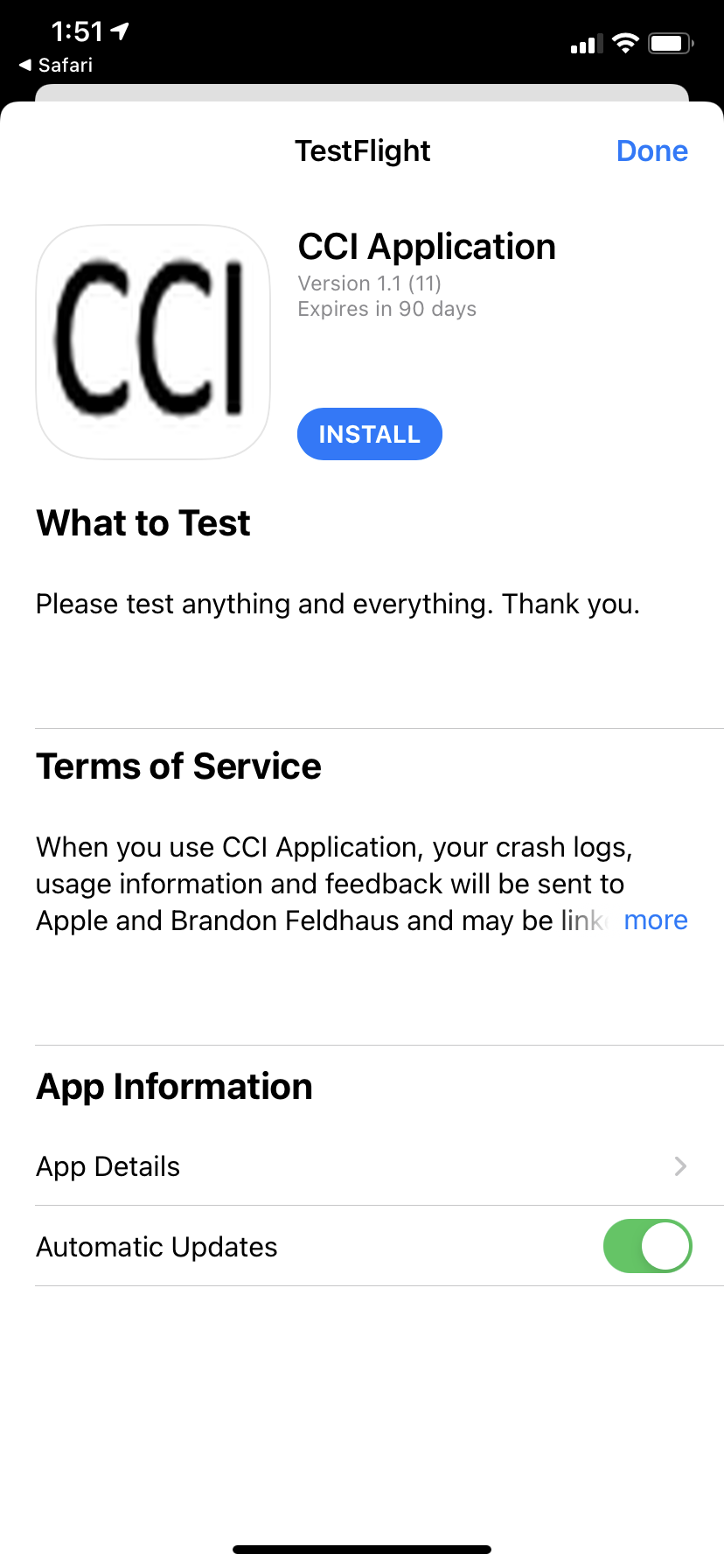
- After the installation is complete, you can now open the application through TestFlight or as a regular application on your phone.
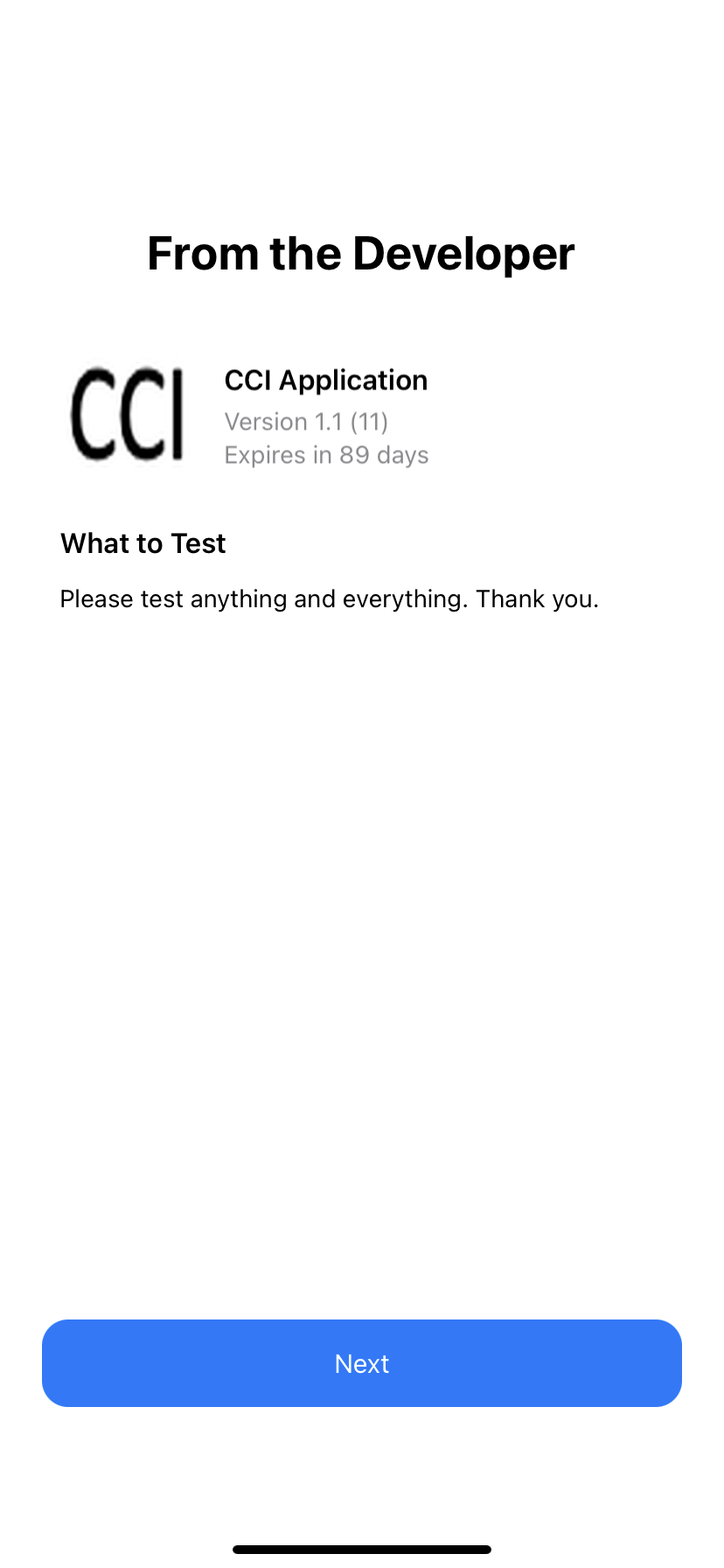
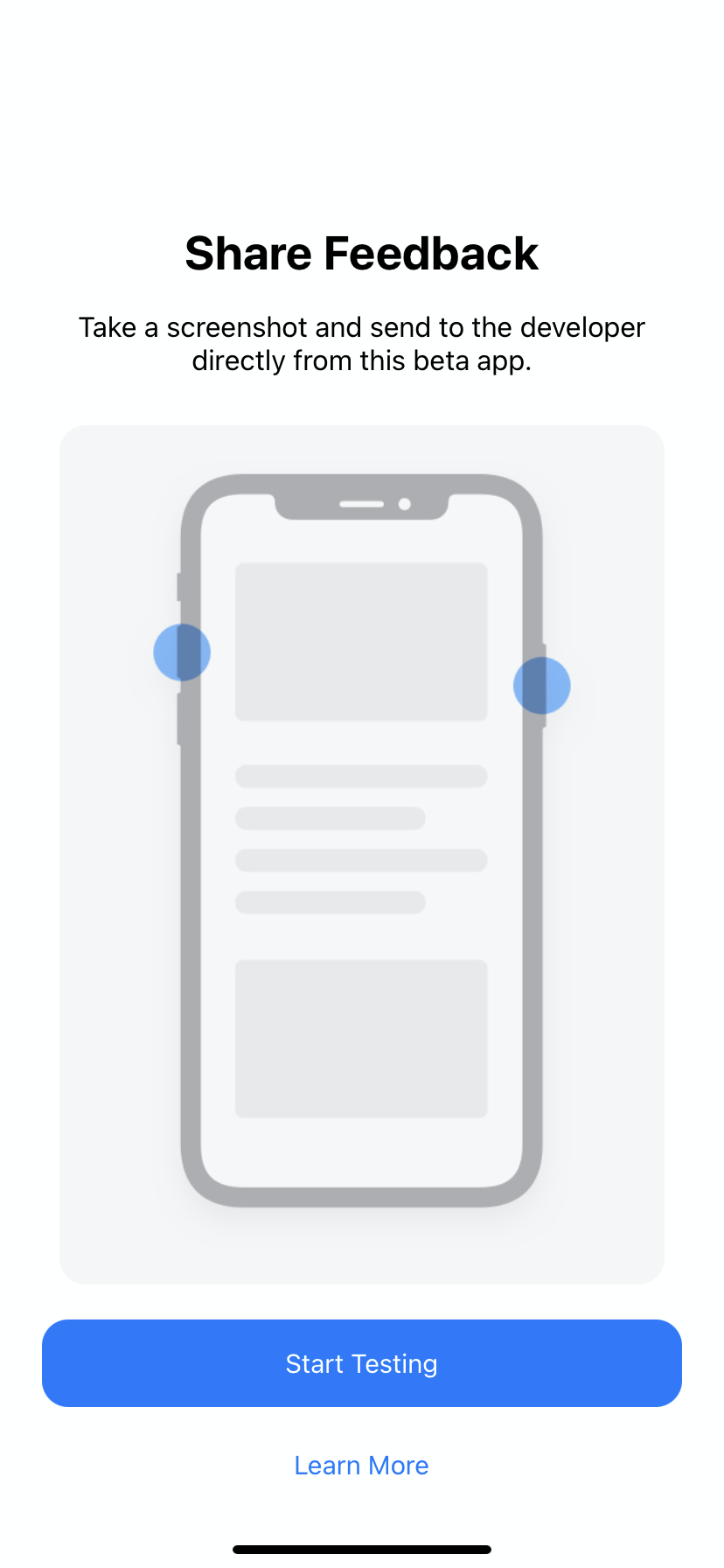
Once opened for the first time you will be prompted with the two pages below. The user will have to tap "Next" and "Start Testing".