

The landscapeapp is an upstream NPM module that supports building interactive landscape websites such as the CNCF Cloud Native Landscape (source) and the LF Artificial Intelligence Landscape (source). The application has been developed by Andrey Kozlov and Dan Kohn of CNCF.
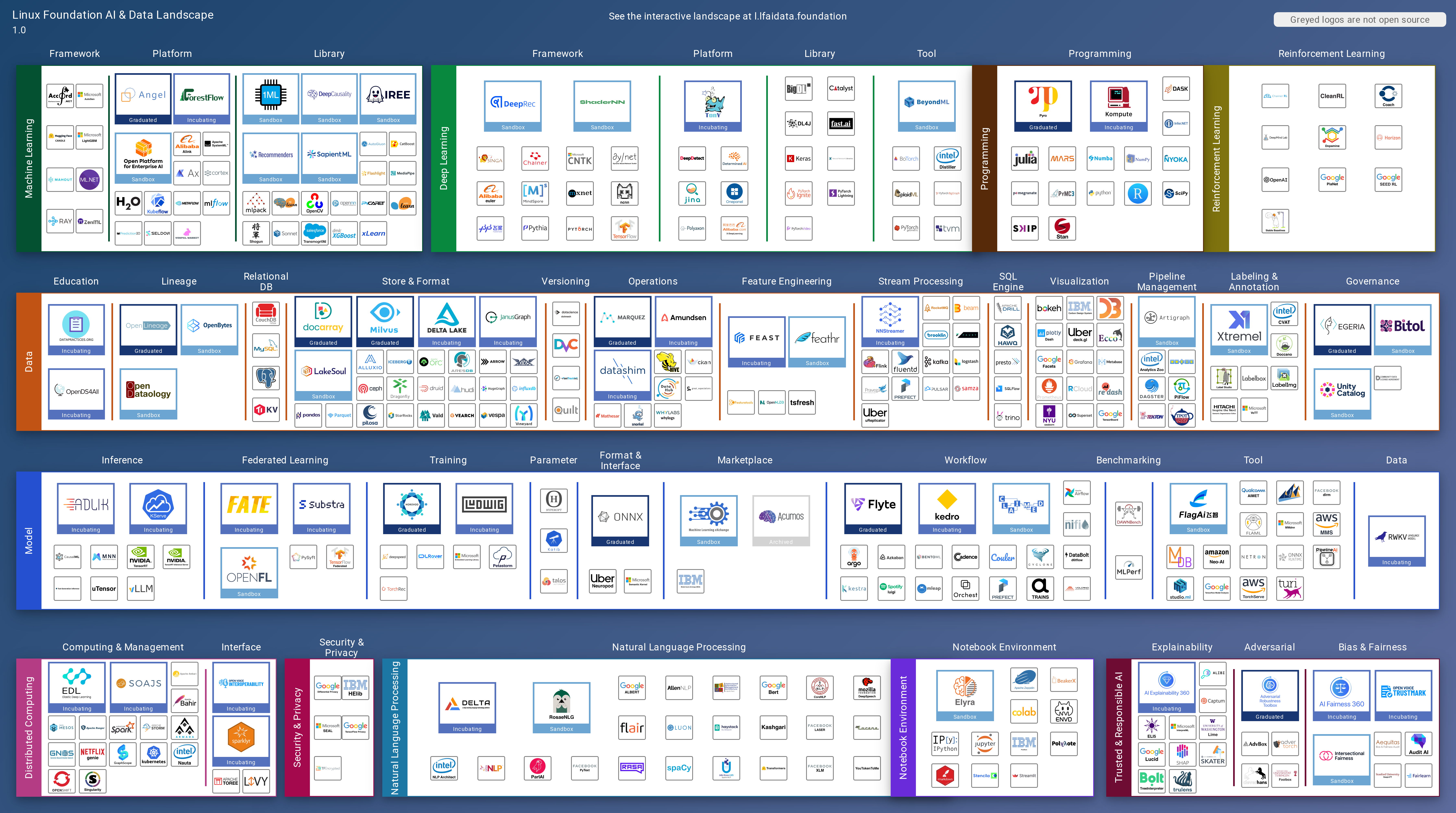
In addition to creating fully interactive sites, the landscapeapp builds static images on each update:


The most challenging parts of creating a new landscape are pulling together the data for landscape.yml and finding svg images for all logos.
Google images is often the best way to find a good version of the logo (but ensure it's the up-to-date version). Search for grpc logo filetype:svg but substitute your project or product name for grpc. For new landscapes of any size, you will probably need a graphic artist to rebuild some of the logos for you, especially if you (as recommended) ensure that the project name is included in the logo.
The canonical source for all data is landscape.yml. Once a day, the landscapeapp update_server pulls data for projects and companies from the following sources:
- Project info from GitHub
- Funding info from Crunchbase
- Market cap data from Yahoo Finance
- CII Best Practices Badge data
The update server enhances the source data with the fetched data and saves the result in processed_landscape.yml and as data.json, the latter of which is what the app loads to display data.
If you want to create an interactive landscape for your project or organization:
- Fork the LFAI landscape, since it only has a single landscape image.
- If you're working with the LF, give dankohn admin privleges to the site and ping me after creating an account at slack.cncf.io.
- Email support@github.com and ask them not to show your project as a fork.
- For LF projects, I'll set you up in Netlify to build on every commit. Build command is
npm install -g npm && npm ci && npm run buildand publish directory isdist. Environment variables that need to be set areCRUNCHBASE_KEY,GITHUB_KEY, andTWITTER_KEYS. I recommend these notifications:
- Edit
settings.yml,landscape.yml, andmembers.ymlfor your topic. - Generate a QR code, setting colors to black and embedding the LF Landscape icon. Save as SVG and overwrite images/qr.svg with it.

If you are working with more than one landscape, there's a trick to run the standard landscapeapp package.json functions. Add the following to your ~/.bash_profile:
function y { PROJECT_PATH=$PWD npm explore interactive-landscape -- npm run "$@"; }
export -f y
alias yf='y fetch'
alias yl='y check-links'
alias yq='y remove-quotes'
Reload with . ~/.bash_profile and then use y open:src, yf, etc. to run functions on the landscape in your current directory.
If you want to fetch updates to the landscapeapp and both the CNCF and LFAI landscapes and update packages on all three, this alias for your ~/.bash_profile will do so:
alias all='for path in /Users/your-username/dev/{landscapeapp,landscape,lfdl-landscape}; do git -C $path pull -p; npm --prefix $path run latest; done;'
Please open an issue or, for sensitive information, email info@cncf.io.
On every commit, Netlify builds landscapeapp, clones the CNCF and LFAI repos, and builds their landscapes and verifies that their tests pass with the updated landscapeapp. When that succeeds, it generates and pushes an updated NPM module.