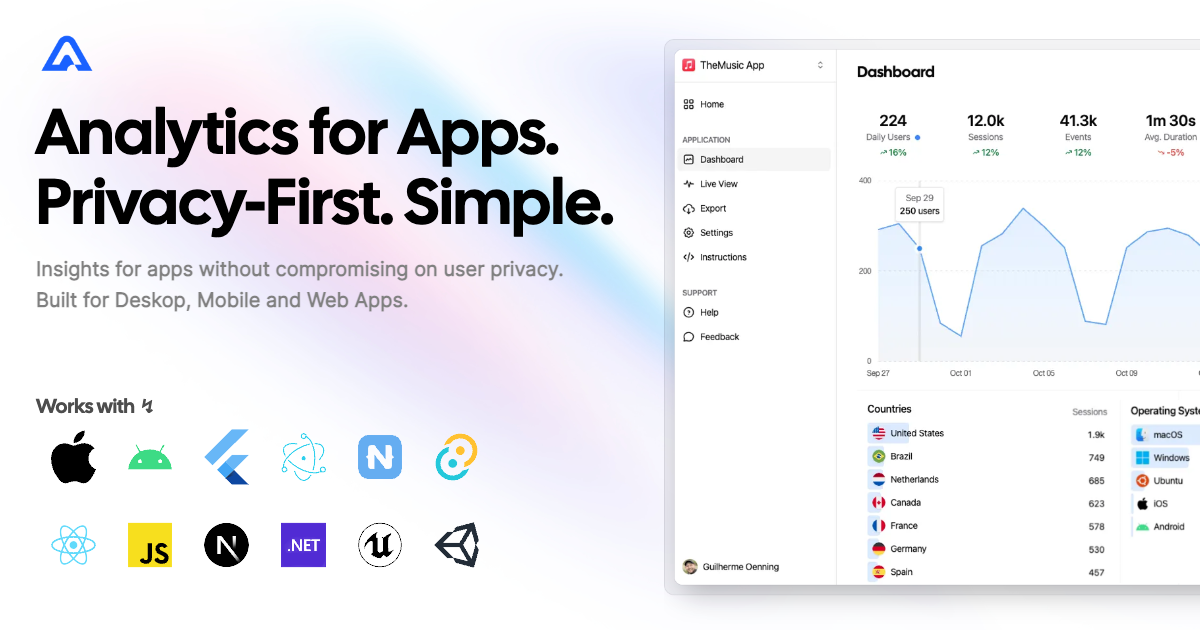
A tiny SDK to instrument your Angular apps with Aptabase, an Open Source, Privacy-First and Simple Analytics for Mobile, Desktop and Web Apps.
- Install the SDK using npm or your preferred JavaScript package manager
npm add @aptabase/angular-
Get your
App Keyfrom Aptabase, you can find it in theInstructionspage. -
Pass the
App Keywhen initializing your app by importing a module or providing a function.
Provide provideAptabaseAnalytics in the ApplicationConfig when bootstrapping.
import { provideAptabaseAnalytics } from '@aptabase/angular';

bootstrapApplication(AppComponent, {
  providers: [..., provideAptabaseAnalytics('<YOUR_APP_KEY>')],
}).catch((err) => console.error(err));Import AptabaseAnalyticsModule in your root AppModule.
import { AptabaseAnalyticsModule } from '@aptabase/angular';

@NgModule({
  declarations: [AppComponent],
  imports: [..., AptabaseAnalyticsModule.forRoot('<YOUR_APP_KEY>')],
  providers: [],
  bootstrap: [AppComponent],
})
export class AppModule {}Both versions support also support an optional second parameter AptabaseOptions to pass in additional options.
export type AptabaseOptions = {
  // Custom host for self-hosted Aptabase.
  host?: string;
  // Custom path for API endpoint. Useful when using reverse proxy.
  apiUrl?: string;
  // Defines the app version.
  appVersion?: string;
  // Defines whether the app is running on debug mode.
  isDebug?: boolean;
};After the initial setup the AptabaseAnalyticsService can be used to start tracking events.
Simply inject the service in a component to start tracking events:
import { AptabaseAnalyticsService } from '@aptabase/angular';

export class AppComponent {
  constructor(private _analyticsService: AptabaseAnalyticsService) {}

  increment() {
    this.counter++;
    this._analyticsService.trackEvent('increment');
  }
}- The SDK will automatically enhance the event with some useful information, like the OS and other properties.
- You're in control of what gets sent to Aptabase. This SDK does not automatically track any events, you need to call
trackEventmanually.- Because of this, it's generally recommended to at least track an event at startup
- You do not need to subscribe to
trackEventfunction, it'll run in the background. - Only strings and numeric values are allowed on custom properties.